How it works
One chain from quote to cash.
Every project follows the same path. Win it. Deliver it. Bill it. ScopeSure keeps each step connected to the one before, with the price and the margin in view the whole way.
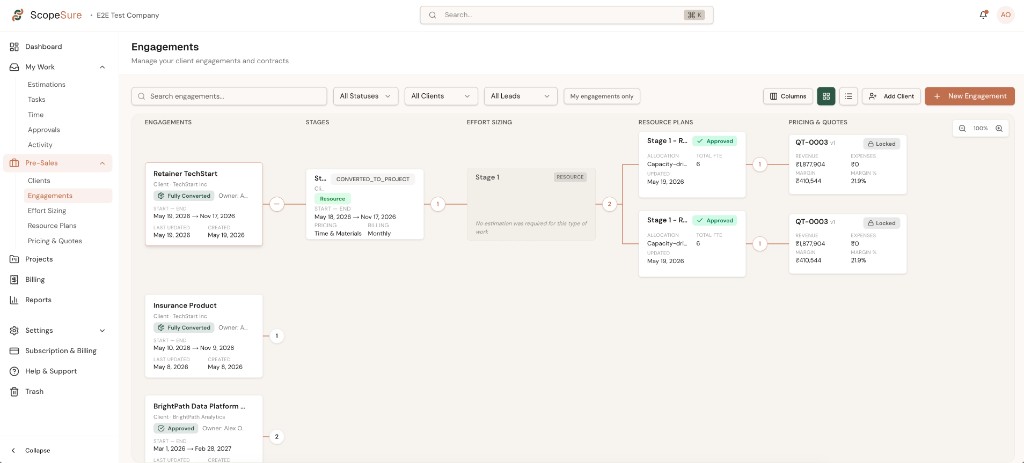
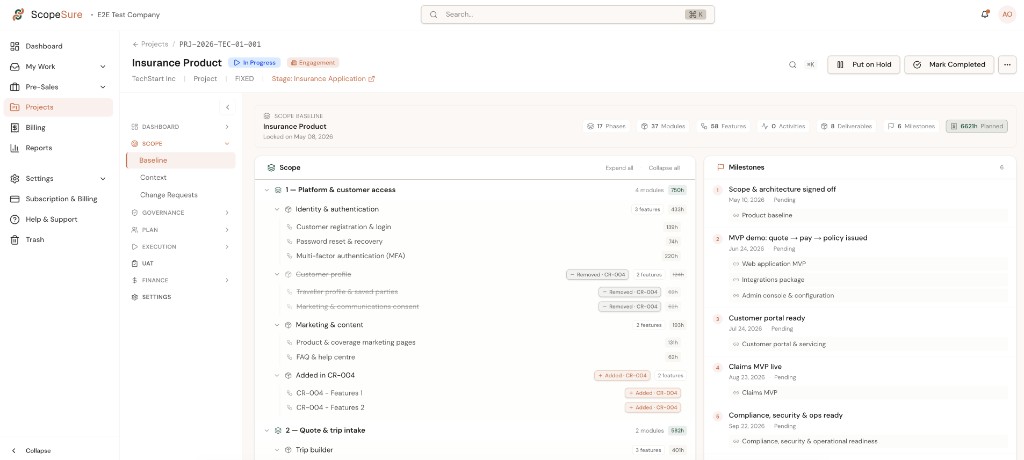
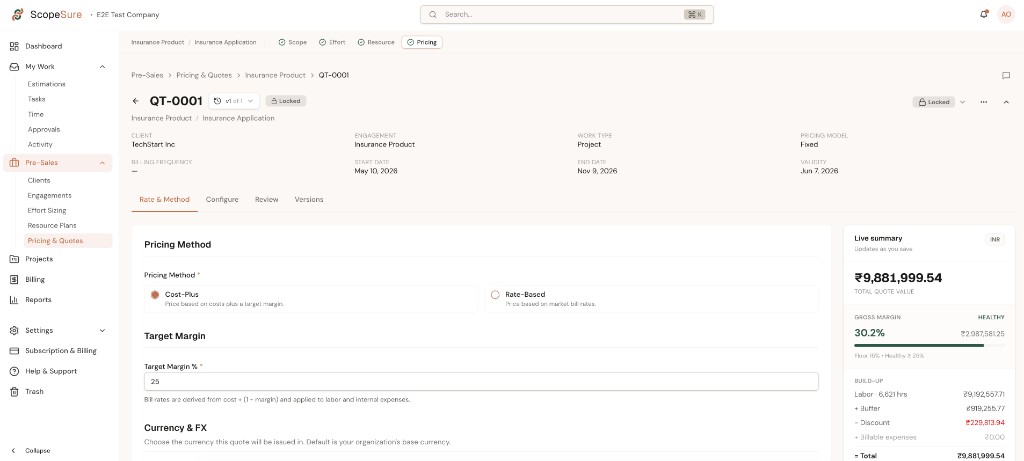
Engagements · every client, value and margin in one list
Stage 01 · Presales
Win the work on numbers you trust.
- 01 Write the scope. What is in, what is out, what costs extra.
- 02 Estimate against the scope. Templates from past projects.
- 03 Price it. Your rates, your costs, your margin target. See the margin before you send the quote.
- 04 Pick the work type: fixed price, retainer, or resource.
Stage 02 · Delivery
Deliver with the numbers in view.
- 01 One click turns the signed scope into a project. Estimates and assumptions carry over.
- 02 Assign people. See who is overloaded and who is free.
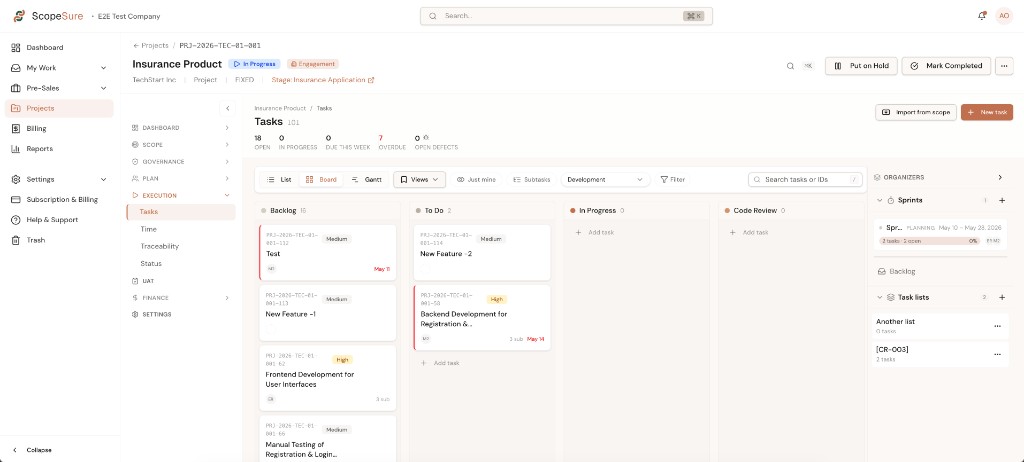
- 03 Tasks link back to scope items.
- 04 Time is logged against tasks, billable or not. Hours and margin against the estimate, live.
- 05 Changes are logged, priced, and sent to the client for approval.
- 06 Deliverables go to the client for sign off with a timestamp.
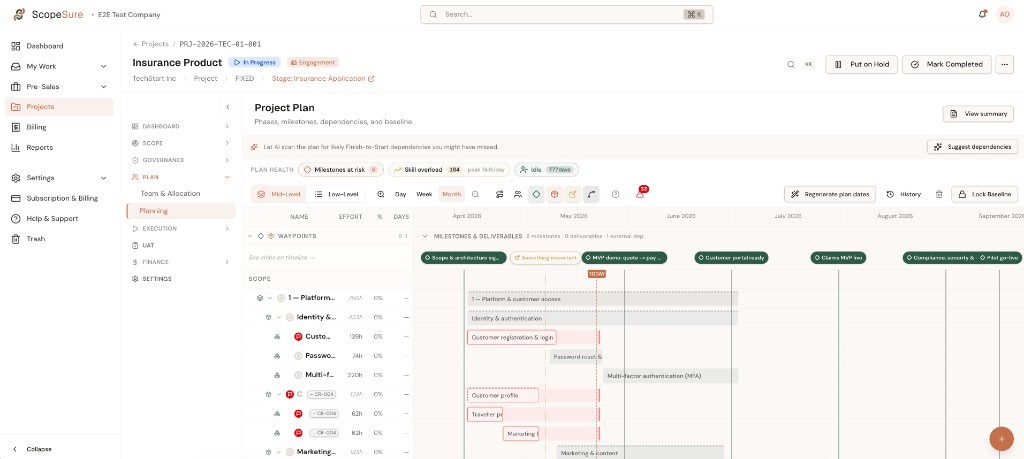
Stage 03 · Billing
Bill what you did.
- 01 Invoices follow the work type. Milestones for fixed price. Monthly for retainers. Timesheets for resource work.
- 02 Approved changes are added automatically.
- 03 Quoted, actual, and billed, side by side, per project.
Always running · Client portal
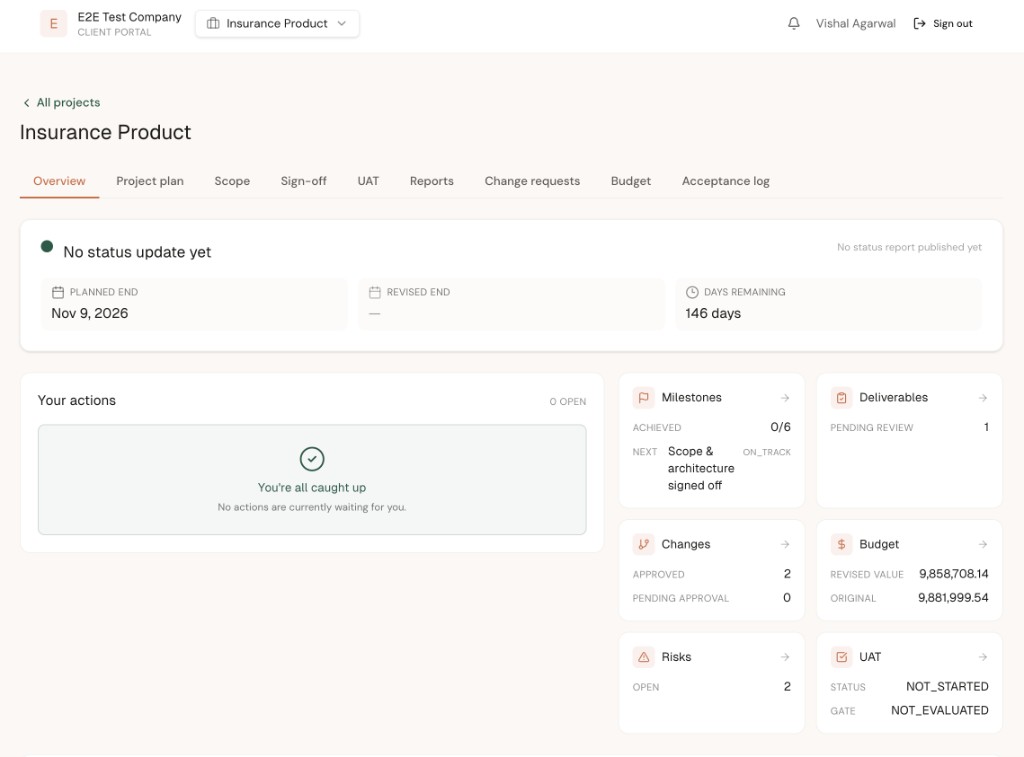
Your client’s view, without the status emails.
- 01 Project status. Pending sign offs. Change requests with the price. Invoices and what is due.
- 02 One link, no login to manage.
Always running · Reporting
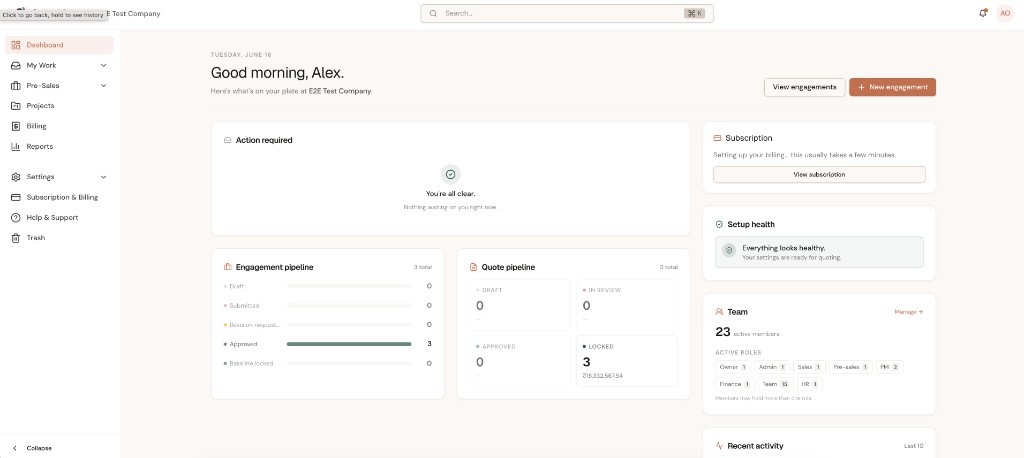
What the owner needs to see.
- 01 Utilization per person. Margin per project. Which projects are at risk.
- 02 Updated as work is logged, not at month end.
Get started
Setup takes about an hour with your own data.
No credit card · Free for three months · Cancel any time